Group your Tayo accounts with the Plus plan
For whom: an administrator of a company on the Plus plan or above. Without the Plus plan, see Group your Tayo accounts without the Plus plan.
The idea: you link your company’s other Tayo addresses to the connected account, up to ten accounts in total. TAYO.pro retrieves their clients and projects, without asking the agencies anything.
What you do
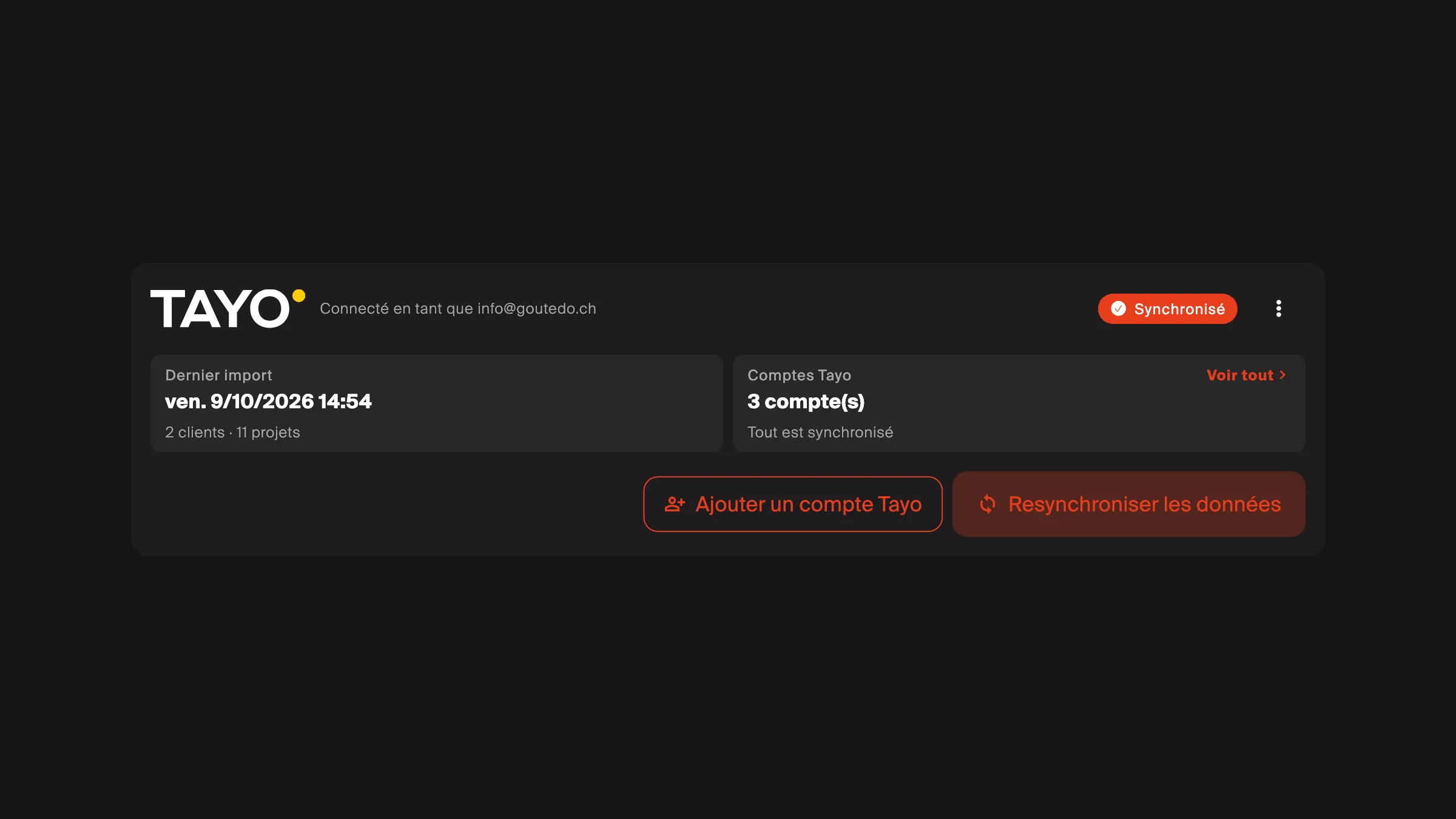
Section titled “What you do”- In Settings → Integrations, Tayo card, open Tayo accounts, then See all.
- Enter the e-mail address of the other Tayo account.
- That mailbox receives an e-mail from TAYO.pro: open the link in it, from any device. That proves the address is yours.
That is all.
- TAYO.pro links the address to your account at Tayo, in the background.
- An hour later, TAYO.pro re-imports everything on its own; the Tayo card shows a countdown until then. If you re-sync yourself before that, the automatic re-sync is cancelled.
- The company’s members get the result by e-mail: the number of new projects, or what failed.
Tayo usually passes the projects on within the hour, but can take up to 24 hours. If the import brings nothing new, the e-mail says so: if work orders or property managers are missing, click Re-Sync Data within 24 hours.
Good to know
Section titled “Good to know”- Notifications. An import does not send one e-mail per project. From 2 November 2026, Tayo turns its own notifications off for linked addresses as for the main one.
- Import history. Tayo card’s menu, Import history: who started each import and what it brought. Projects “closed, left as they were” are the ones you finished, cancelled or declined; an import not rewriting them is normal.
- Signing in with a linked address is not possible: only the main account opens TAYO.pro.
- Removing an address is done from the same list. What was imported stays.
- Changing plan. If the company leaves the Plus plan, its linked addresses are removed; what was imported stays. A mere late payment removes nothing.
- Disconnecting Tayo removes every linked address too. If Tayo cannot unlink one, the disconnection stops and names the addresses concerned: retry a little later.
- More than ten accounts? Write to tayopro@tayo-software.com.